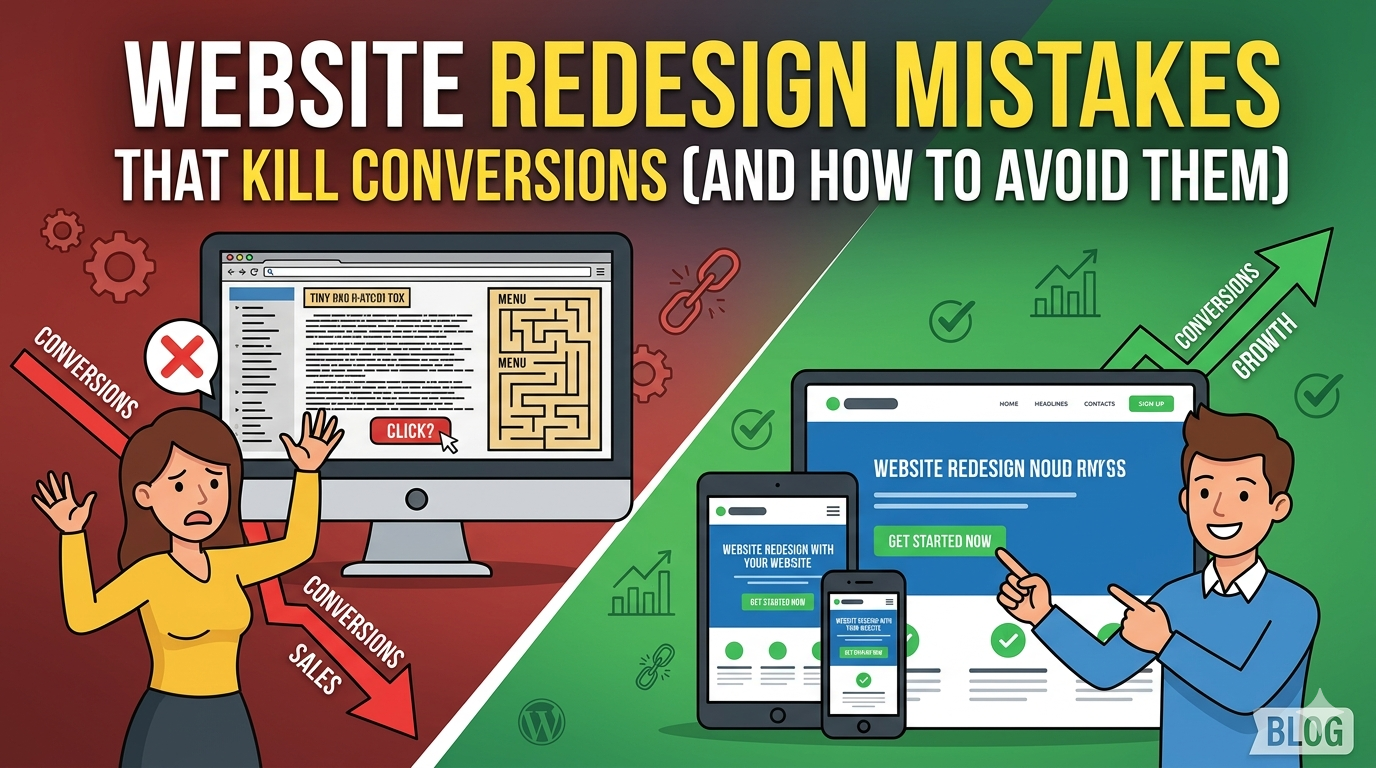
A website redesign should move your business forward. But every year, small businesses launch new sites that look better, cost more, and perform worse than what they replaced. Rankings drop. Leads disappear. The business owner wonders what went wrong.
The answer is almost always the same: website redesign mistakes that were preventable. Not random bad luck, not unavoidable technical failures specific, documented errors that experienced teams know to avoid and inexperienced ones repeat constantly.
This guide covers the most damaging mistakes in website redesigns and, more importantly, exactly how to avoid them.
Mistake 1: Starting Without Clear Goals
The most expensive mistake in a redesign isn’t a technical one it’s a strategic one. Business owners often launch into a redesign because their current site “looks old” or a competitor recently updated theirs. That’s not a brief. That’s an impulse.
Without defined goals, a redesign has no success criteria. You can’t evaluate design options against objectives if you haven’t defined objectives. You can’t measure whether the redesign worked if you didn’t decide what “working” means.
What to do instead: Before any agency conversation, define your redesign goals in specific terms. “Increase inbound leads from organic search by 30% within six months.” “Reduce bounce rate on the homepage from 72% to below 50%.” “Improve mobile conversion rate from 0.8% to 2%.” These are goals you can design toward and measure against.
Mistake 2: Ignoring SEO During the Website Redesign
This is the mistake with the most dramatic consequences. A business builds a new site that looks great, launches it, and watches their organic traffic drop 40% within two months. They didn’t break anything visually they broke their SEO infrastructure.
What causes it
When URLs change during a redesign even slightly Google treats each new URL as a new page with no history. If those old URLs had earned rankings through years of content and links, and they don’t redirect to the new URLs, all of that ranking authority disappears.
Other SEO failures include:
Leaving staging environment tags (noindex) on the live site after launch
Removing content that was driving traffic because it “didn’t fit the new design”
Changing heading structures in ways that break keyword signals
Not submitting an updated sitemap to Google after launch
What to do instead
Treat SEO preservation as a non negotiable phase of every redesign:
- Inventory every current URL that gets traffic (Google Search Console)
- Map each current URL to its new equivalent
- Implement 301 redirects for every changed URL
- Verify all metadata (meta titles and descriptions) migrates correctly
- Confirm Google Analytics and Search Console reconnect properly after launch
- Submit updated sitemap within 48 hours of launch
- Monitor for crawl errors in the first two weeks post launch
If your agency doesn’t include SEO preservation as a standard deliverable, that’s a red flag. Ask about it explicitly before signing anything.
For a systematic approach, see our website redesign checklist, which covers SEO preservation in detail.
Mistake 3: Choosing a Partner Based on Price Alone
A $2,500 website redesign quote can look very attractive. It can also cost $15,000 to fix if the work is poor. This is one of the most consistent patterns in web development: businesses that buy on price alone often end up paying twice, once for the cheap version, and again when it fails to perform.
What the lowest quotes usually reflect
- No discovery or strategy phase (they build what you ask for, not what your business needs)
- Template customization rather than custom design
- No SEO work (or a superficial version of it)
- A single contractor managing multiple simultaneous projects, meaning slow response times and divided attention
- No post launch support
What to do instead
Evaluate proposals on scope and process, not just price. Ask every agency:
- “What does your discovery process look like?”
- “How do you handle SEO during a redesign?”
- “How many revision rounds are included in design?”
- “What post launch support is included?”
- “Can I see case studies with performance results, not just visual examples?”
A proposal that clearly answers all of these is worth more than one that can’t. According to Clutch, 38% of businesses that chose the cheapest web design option reported needing to redo the work within 18 months. That statistic is expensive.
Mistake 4: Redesigning Without Talking to Your Customers
Internal opinions about website design are sometimes the worst guide to what actually works. The business owner who says “I don’t like that blue” and the stakeholder who wants the product page moved to the top of the navigation are both applying personal preference not customer insight.
The people who should inform your redesign are the people who actually use your site: your customers.
What this looks like in practice
- Review recordings from tools like Hotjar or Microsoft Clarity to see where visitors actually click, scroll, and stop
- Look at your highest converting pages and ask what they have in common
- Look at your highest bounce rate pages and ask what they’re missing
- Talk to recent customers how did they find you? What almost made them not reach out?
This research changes design decisions in ways that internal opinion never does. A business discovers that 70% of their form abandonment happens on step three because it asks for a phone number a fix that costs almost nothing and immediately improves conversion.
What to do instead
Before wireframing begins, conduct basic user research. At minimum, review six months of session recordings and your top 10 bounce rate pages. Ask your last five customers how they found you and what almost made them choose a competitor.
Mistake 5: Rushing Content
New design with old, weak copy still won’t convert. Content is often the last thing addressed in a redesign gathered hastily during the development phase because it was an afterthought.
The consequences: placeholder copy that goes live, outdated service descriptions that don’t reflect the current business, team bios from three years ago, and a homepage message that doesn’t speak to the actual customer.
What to do instead
Plan your content strategy before kickoff. Decide:
- Which pages need completely new copy (homepage, services, about)
- Who is responsible for writing it (you, a team member, the agency)
- When content will be delivered (during design phase, not development phase)
- Which existing blog posts are worth migrating with updates
Start writing the hardest pages first: the homepage, the main service page, and your about page. These typically require the most revision and are on the critical path for design approval.
Our guide on how to prepare for a website redesign has a detailed content preparation section that will help you get this right before you start.
Mistake 6: Too Many Stakeholders, No Clear Decision Maker
Design by committee produces mediocre design. When three people need to approve every wireframe and four stakeholders weigh in on button colors, the process slows to a crawl and the resulting site often satisfies everyone’s opinions while serving no clear purpose.
This pattern is especially common in small businesses where a spouse, business partner, or operations manager has strong opinions about the website even if website design isn’t their area.
What to do instead
Before the project starts, designate one person with authority to approve design decisions. This person can gather input from others, but they make the final call. Communicate this to your agency at kickoff.
For decisions that genuinely require broader input like a major strategic direction change schedule a single consolidated review session rather than routing feedback through multiple asynchronous channels.
Mistake 7: Skipping QA Testing
Launching a site with broken forms, incorrect redirects, missing images on mobile, or slow load times undermines the entire investment. Real customers encountering these problems don’t assume it’s temporary they leave and don’t come back.
Rushing QA to meet a launch deadline is one of the most common final stage mistakes.
What a proper QA pass covers
- Every form tested end to end on mobile and desktop
- All 301 redirects verified with a crawl tool
- Site load speed tested on mobile (target under three seconds)
- Every CTA button verified as linking to the correct page
- Cross browser testing: Chrome, Safari, Firefox, Edge
- Cross device testing: iOS Safari, Android Chrome, and tablet
- Google Analytics verified as firing on every page
- No broken images or missing alt text
Plan for a dedicated QA week before your target launch date. Don’t compress it.
Mistake 8: Measuring Success Only in Aesthetics
“It looks great!” is not a KPI. The most common way small businesses evaluate their redesign is visually does it look better than before? But that measure doesn’t tell you whether the site is actually performing better.
A site that looks great but has the same bounce rate, the same conversion rate, and the same organic traffic as before hasn’t delivered ROI. It’s just more expensive looking.
What to do instead
Define your performance metrics before launch and measure them at 30, 60, and 90 days post launch:
- Organic search rankings for primary keywords
- Organic traffic (month over month)
- Bounce rate on key landing pages
- Conversion rate on primary CTA pages
- Mobile traffic and mobile conversion rate
- Core Web Vitals scores
If metrics don’t improve within 90 days, investigate why. A good agency will be monitoring these with you and proactively flagging issues.
How to Avoid All These Website Redesign Mistakes at Once
The common thread in all eight mistakes is a lack of strategic process. Businesses that work with experienced agencies, define clear goals, plan content early, protect SEO, and test properly before launch avoid most of these pitfalls automatically.
DevVerx has rebuilt sites for businesses that previously experienced many of the mistakes above. Our process is designed to prevent them: every project starts with discovery, includes SEO planning from day one, and ends with QA testing and post launch monitoring. Rated 4.8/5 by verified clients, including Dubai Fun Tour and ChildFree BC, we know what a successful redesign looks like and what a failed one costs.
For the full picture of what a well executed redesign involves, read our complete guide to website redesign for small businesses. And if you want to check whether your current site has issues worth redesigning around, start with signs your website is costing you customers.
Ready to Do This Right?
Contact DevVerx for a free strategy call. We’ll review your current site, identify the biggest risks and opportunities, and give you a clear plan for a redesign that actually improves your business not just your aesthetics.
The mistakes above are avoidable. Let’s make sure you don’t make them.