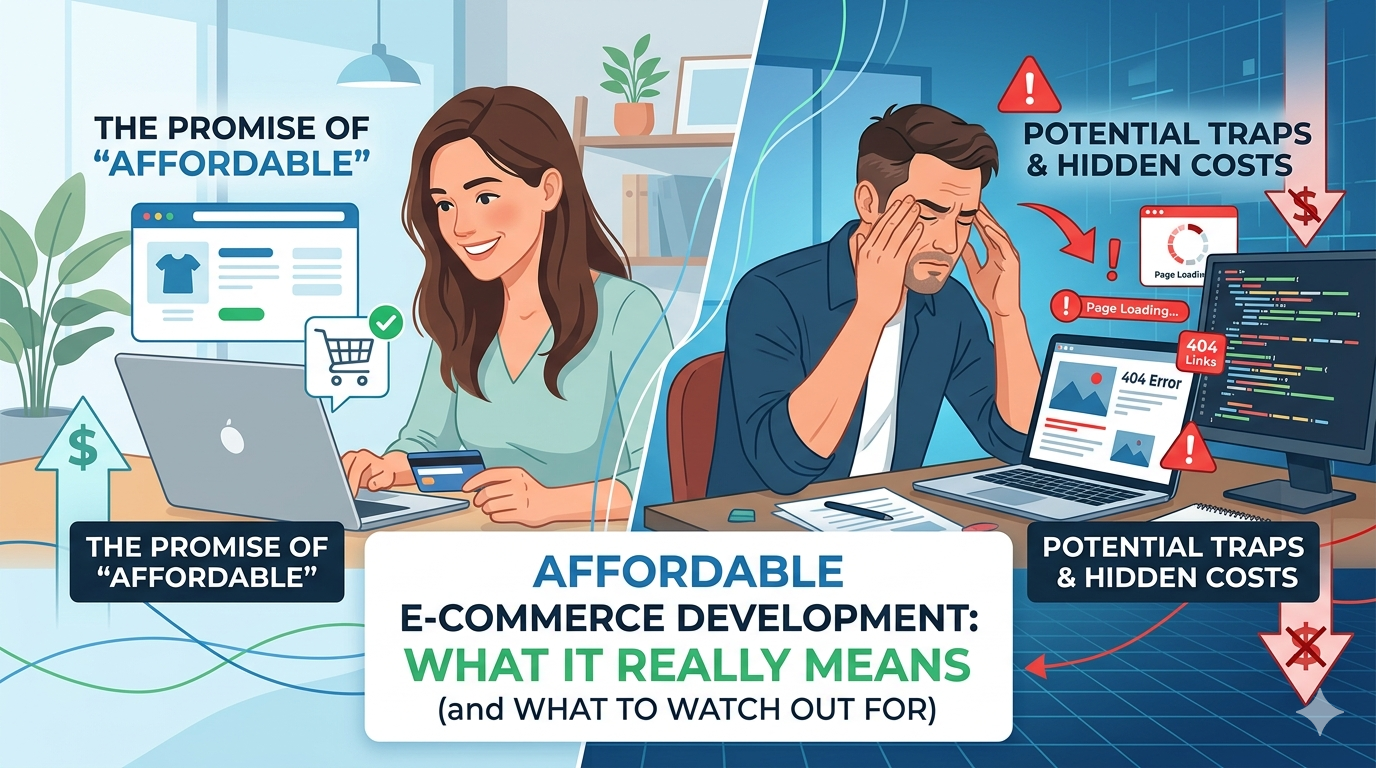
“Affordable” is one of the most overloaded words in web development. It’s used by agencies charging $2,000 and agencies charging $20,000. It means something genuinely different depending on who’s using it and understanding that difference could save you from a situation that costs more to fix than it would have to do right the first time.
This guide is about what affordable e-commerce development actually means: where the real cost efficiencies are, where cutting costs creates problems, and what you should reasonably expect at different price points.
What Makes E-Commerce Development Expensive
Before you can understand where to save money, understand what drives costs in the first place:
Custom design: A theme built from code designed specifically for your brand, not adapted from a shared template takes more time than installing a premium theme. That time costs money. The payoff is better performance, a design ceiling that doesn’t exist, and code that doesn’t carry another developer’s architectural decisions.
Custom functionality: Every feature that goes beyond what WooCommerce or Shopify provides out of the box requires developer time. Subscription billing, complex product configurators, custom shipping calculators, B2B pricing tiers each adds scope and cost.
Performance optimization: Building a store that scores 80+ on Google PageSpeed mobile takes more time than one that loads at whatever speed the defaults produce. Image optimization, code splitting, caching configuration, server response time tuning these are deliberate choices that cost development time.
US based development: Agencies operating in the US, paying US market salaries, billing at US rates, typically charge $75–$175/hour, consistent with rates published in Clutch’s web development pricing data. Offshore development can be a third of that, with corresponding variation in quality, communication, and accountability.
Post launch support: Agencies that include maintenance retainers, staging environments, and post launch monitoring in their engagements cost more upfront and deliver a better ongoing outcome.
Where Cheap Builds Fail
Understanding what gets cut when prices are low is the most useful thing you can know before evaluating “affordable” options:
Shared hosting
The fastest way to produce a slow store is cheap shared hosting. A WooCommerce store needs adequate PHP memory limits, fast server response time, and reliable infrastructure. Shared hosting at $5–$15/month provides none of this consistently. The store might work, but it won’t perform and slow stores convert at lower rates.
A professional e-commerce store belongs on managed WordPress hosting (WP Engine, Kinsta, Cloudways) at $25–$80/month. This is not negotiable if performance matters.
Template installs with no optimization
A premium WooCommerce theme installed with default settings on shared hosting will load slowly, carry the template’s limitations and performance debt, and look like other stores built on the same template. The “professional” appearance hides the technical shortcuts.
Many “affordable e-commerce” offers are exactly this: a theme purchase, a plugin install, a product import, and handoff. The site functions, but it wasn’t built it was assembled.
No SEO configuration at launch
Meta titles, URL structure, schema markup, sitemap submission these are not extras. They’re the baseline that determines whether Google finds and ranks your store. Leaving them unconfigured at launch means every day of the store’s early life is wasted ranking opportunity.
Retroactive SEO setup on a live store with established URLs and existing content is harder than doing it at launch. And the rankings lost in the first three months don’t come back.
No staging environment
An agency that works directly on your live store is running every update as a risk to your revenue generating infrastructure. A staging environment costs more to set up. Agencies cutting costs for a low price don’t set one up.
The consequence: a plugin update breaks your checkout on a Friday afternoon. Without a staging environment to test on first, that’s an emergency rather than a detected and rolled back test.
Handoff with no post launch support
“We’ll finish the build and hand it over” is not a maintenance plan. An unmaintained WooCommerce store accumulates unpatched vulnerabilities, performance degradation as plugins add weight, and eventually a security incident that costs significantly more to recover from than a monthly maintenance retainer would have cost.
What “Affordable” Should Actually Mean
Real affordability in e-commerce development isn’t about the lowest invoice it’s about the best value at a given budget level. That distinction matters:
Best value at $2,000–$5,000: A professionally configured template build on proper hosting with basic SEO setup. Shopify makes sense here for self service, or a developer who configures WooCommerce cleanly on managed hosting with SEO fundamentals done correctly. This is the appropriate range for a secondary channel or a pre revenue project testing product market fit.
Best value at $6,000–$10,000: A template build with more customization, better performance work, and a defined post launch support arrangement. Or a custom WooCommerce theme at the lower end if the developer is building efficiently and you have your content ready.
Best value at $10,000–$20,000: A fully custom WooCommerce build with custom theme from code, Core Web Vitals passing, full SEO configuration, proper hosting, staging environment, and a post launch maintenance retainer. This is where an e-commerce store becomes a business asset rather than a website that happens to have a cart.
Not affordable at any price: A fast, cheap build on shared hosting with no SEO setup and no post launch plan. The total cost of fixing problems, migrating hosting, and redoing SEO work typically exceeds what a properly scoped build would have cost.
Questions That Reveal What “Affordable” Actually Means
When an agency quotes you a low number, ask these:
“What hosting do you recommend, and is it included?” If the answer is “any host you prefer” without guidance toward managed hosting, the “affordable” build will underperform from day one.
“What are the PageSpeed scores on your recent portfolio sites?” Affordable development that produces slow sites isn’t affordable it’s a conversion rate problem that compounds every month.
“What’s included in post launch support?” If nothing is included, add the cost of either managing it yourself or finding a maintenance agency. That cost is part of the real price.
“What does your testing process look like?” Specifically: do you have a staging environment, and do you test on real mobile devices before handoff?
“Is the design custom or template based?” Neither is wrong, but knowing which you’re getting lets you accurately evaluate the value proposition.
Where DevVerx Fits
We don’t compete on price at the low end of the market. DevVerx’s 4.8/5 client rating reflects what happens when affordable development actually means high value development not corner cutting. Our WooCommerce builds start at $8,000 because that’s what it costs to do the work we’re willing to put our name on: custom theme from code, Core Web Vitals passing at launch, SEO configured, managed hosting, staging environment, and post launch maintenance available.
We’ll tell you directly if your budget doesn’t fit our minimum scope, and we’ll point you toward what does make sense for your situation including Shopify self setup if that’s genuinely the right call.
What we mean by “affordable” is value: enterprise quality execution at a price that makes sense for a growing small business, without the $50,000+ enterprise retainer.
Book a strategy call to talk through your project and budget we’ll tell you exactly what’s feasible and what isn’t.
For the full e-commerce cost breakdown, see our e-commerce website cost guide. For the complete picture of what professional e-commerce development involves, see our e-commerce development guide.
Frequently Asked Questions
What does affordable e-commerce development actually cost?
A well built template based store on proper hosting runs $2,000–$6,000. A professionally custom WooCommerce store starts at $8,000. Below $2,000, you’re likely looking at a DIY template install that will need significant rework. Budget for $300–$600/month in ongoing operating costs regardless of build price.
What are the risks of choosing the cheapest e-commerce developer?
Common outcomes: slow site on shared hosting (poor conversion, poor rankings), no SEO setup at launch, no staging environment, template install without performance optimization, and no post launch support. The cost of fixing these problems often exceeds what the premium build would have cost.
Is Shopify cheaper than WooCommerce for a small business?
Shopify has a lower upfront cost (minimal build expense if you DIY) but higher ongoing monthly costs (plan + apps + transaction fees). WooCommerce has a higher upfront build cost but lower monthly recurring costs. Over 3 years, they’re often comparable. See our Shopify vs. WooCommerce comparison for the full cost modeling.
Can I build a professional e-commerce site for under $5,000?
Yes, on a template based approach with properly configured hosting and basic SEO. It will have design limitations and fewer custom features than a higher budget build, but it can be professional, functional, and a legitimate starting point. The key is choosing the right template, proper hosting, and an agency that configures it correctly.
What should always be included even in an affordable e-commerce build?
Managed hosting (not shared), SSL, basic SEO setup (meta titles, sitemap, Google Search Console connection), mobile testing on real devices, and at minimum a clear maintenance plan even if not included in the project, you need to know how updates will be handled.