Most small businesses know they need a better website. The harder question is what “better” actually means, and how to get there without wasting money on the wrong approach.
Website design for small business is not about following trends or making something that looks impressive at a demo. It is about creating a digital presence that earns trust, communicates value, and turns visitors into customers. A well-designed small business website works around the clock as your most effective salesperson, available 24/7, never off message, never having a bad day.
This guide covers everything you need to know about website design in 2026: what separates effective small business websites from pretty ones, what professional design costs, how mobile performance changes everything, and how to choose the right design partner. Whether you are launching your first professional site or evaluating a redesign, start here.
What Website Design for Small Business Actually Means
Website design is more than how something looks. It is how something works, for the people using it and for the business it represents.
Good small business website design sits at the intersection of three things: visual identity (does this look professional and on brand?), user experience (can visitors find what they need quickly and without friction?), and conversion (does the site prompt the right actions, calls, bookings, purchases?).
Most DIY websites fail at the second and third elements. They look acceptable but frustrate visitors, bury calls to action, and leave leads on the table. Most expensive agency websites fail at the third, they are visually polished but built without a real understanding of how the business converts customers.
The goal is a site that does all three well. For small businesses competing in markets where customers search Google before they call anyone, a professionally designed, conversion optimized website is not a nice to have. It is the foundation of your entire customer acquisition strategy.
Why Design Quality Matters More Than Ever in 2026
Two shifts make this moment critical for small business website design.
First, mobile traffic now accounts for more than 60% of all web browsing. A site that is not designed mobile first, built for small screens first, then scaled up, will lose more than half its visitors before they read a single word. See our full guide on mobile first website design for small business for what this means in practice.
Second, Google’s ranking algorithm rewards user experience directly. Core Web Vitals, Google’s measurements of how fast, stable, and responsive a page feels, are a confirmed ranking factor. A slow or visually unstable site ranks lower in search results, which means fewer visitors, which means fewer customers. Design decisions and SEO outcomes are now directly connected.
What Makes a Good Small Business Website
Before investing in design, it helps to know what you are designing toward. The most effective small business websites share five characteristics.
1. Clear Value Proposition Above the Fold
The first thing a visitor sees, before scrolling, should answer three questions: What do you do? Who is it for? Why should I care? Most small business home pages fail this test. They lead with a logo, a stock photo, and a headline so vague it could describe any business in the industry.
Your hero section should state what you do in plain language, speak directly to the type of customer you serve, and give them a clear reason to stay.
2. Intuitive Navigation
Visitors should never have to think about where to go next. Navigation should be simple, consistent, and built around what users are looking for, not around your internal org chart. For most small businesses, this means five to seven navigation items maximum, with the most important pages (services, contact, pricing) most prominent.
3. Mobile First Design
Mobile first design means the site was designed for small screens first, not adapted from a desktop layout. This produces a fundamentally different experience, faster load times, larger tap targets, simplified layouts that work on a phone without requiring pinch zooming or horizontal scrolling.
4. Fast Load Times
Every second of load time costs conversions. According to research by Google and Deloitte, a one tenth of a second improvement in mobile load time drives an 8% increase in conversions for retail sites. For service businesses, the effect is similar, slow sites lose leads before they even land.
5. Clear Calls to Action
Every page should have one primary next step: call, book, get a quote, buy, sign up. Calls to action should be visible without scrolling, use specific action language (“Book a Free Consultation” not “Submit”), and appear more than once on longer pages.
For a full breakdown, see our guide on what makes a good small business website.
How Much Does Website Design Cost?
Budget is almost always the first question, and the honest answer is that small business website design costs vary based on what you actually need.
As a general framework:
- DIY website builders (Squarespace, Wix, Webflow): $15-$50/month in platform fees, plus your time. Appropriate for very early stage businesses with simple needs and limited budgets. Significant limitations in customization, performance, and scalability.
- Freelance web designer: $1,500-$8,000 for a small business site, depending on experience and complexity. Quality varies enormously. No ongoing support unless separately contracted.
- Small web design agency: $5,000-$20,000 for a professional site with full strategy, design, development, and launch. Includes ongoing support options. More reliable outcomes with a defined process.
- Enterprise agency: $25,000+. Rarely necessary for small businesses.
The range between freelancer and small agency is where most small businesses find the best value. The difference in outcomes, conversion rate, SEO performance, long term maintainability, typically justifies the higher investment.
For a detailed cost breakdown by business type and complexity, see our full guide on website design cost for small business.
The Importance of Mobile First Design
If your website was built before 2020, there is a high probability it was designed desktop first, created for a large screen and then adapted down to mobile. This approach produces a mobile experience that is functional at best and frustrating at worst.
Mobile first design inverts this process. The site is designed for a smartphone first, with the full desktop experience built from there. The result is a leaner, faster, more intuitive site that performs on the devices your visitors actually use.
Google uses mobile first indexing, which means it evaluates the mobile version of your site when deciding where to rank you. A site that performs well on desktop but poorly on mobile will rank based on its mobile performance, which is typically lower.
The practical implications for small business website design:
- Fonts must be large enough to read without zooming (minimum 16px body text)
- Tap targets (buttons, links) must be large enough to hit with a thumb
- Forms should be minimal and easy to complete on a small keyboard
- Images must be compressed and responsive, large desktop images tank mobile load times
- Navigation must collapse cleanly into a mobile menu that actually works
See our full breakdown in mobile first website design for small business.
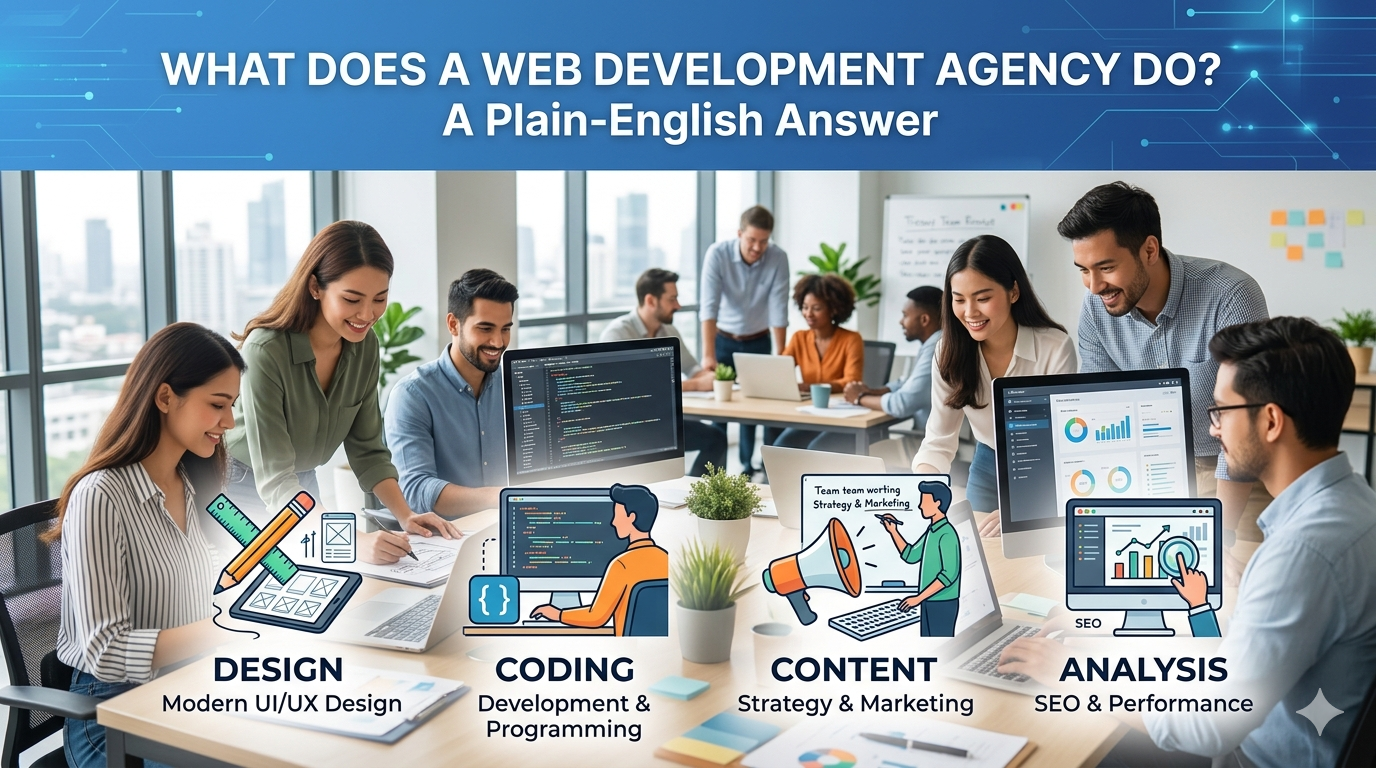
Website Design vs. Web Development: What Is the Difference?
These terms are used interchangeably in the market, which causes confusion. They are related but distinct disciplines.
Website design covers the visual and experiential layer: layout, color, typography, imagery, user flow, and the overall look and feel. A designer produces mockups and wireframes that define how the site will look and how users will move through it.
Web development covers the technical layer: writing the code that makes the design functional, integrating databases and APIs, building custom features, and ensuring the site is fast and secure. A developer implements the design in code.
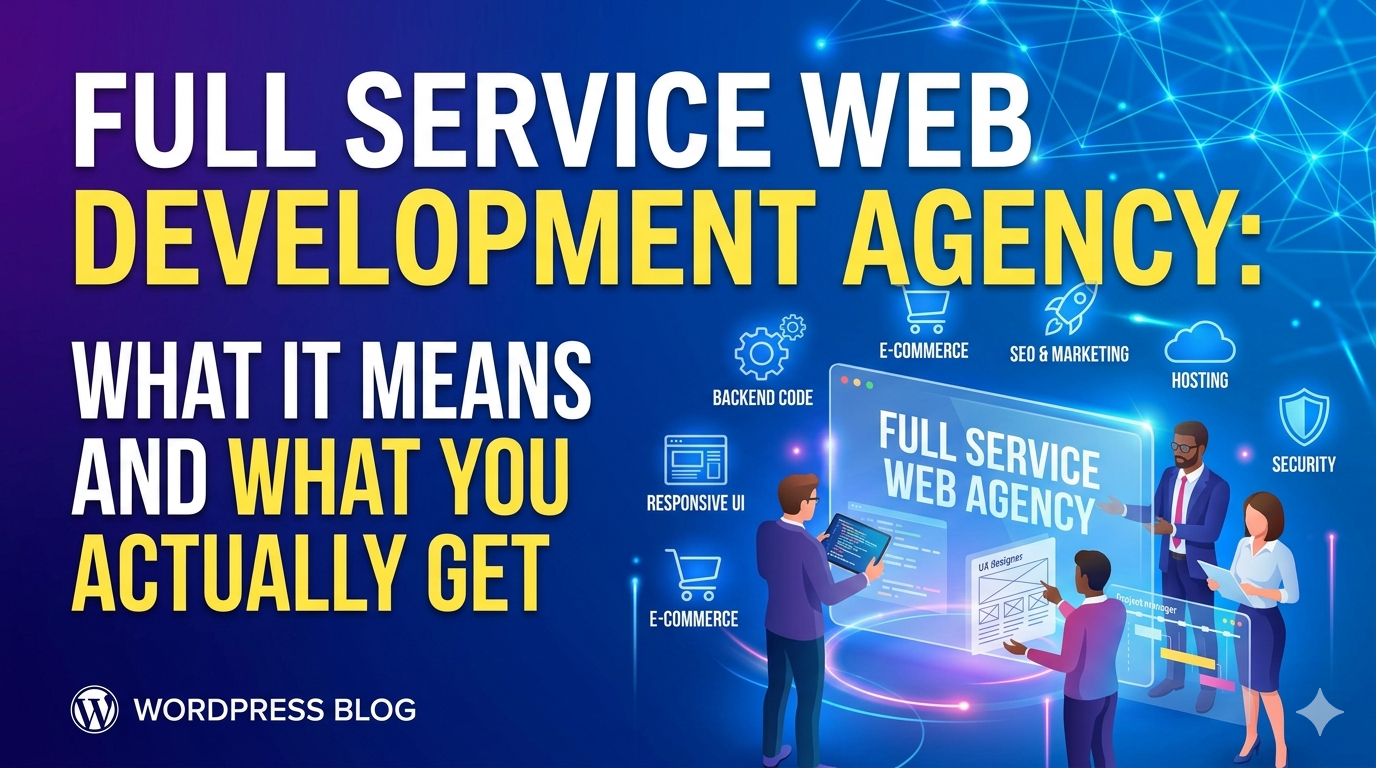
Most professional website projects involve both. For small businesses, this is most efficiently handled by an agency that does both under one roof, otherwise, you are coordinating between a designer and a separate developer, which adds cost, time, and communication friction.
The terms overlap because many modern tools (WordPress, Webflow, Squarespace) blur the line between design and development. A “web designer” using Webflow is doing both design and development simultaneously. An agency using custom code separates the disciplines more explicitly.
For a deeper breakdown, see website design vs. web development: what is the difference.
Should You Use a Website Builder or Hire a Professional?
This is the most common decision small business owners face, and the answer depends on where you are in your business lifecycle.
Website Builders (Squarespace, Wix, Webflow)
Best for: Businesses in their first year, businesses with very simple sites (one service, no e-commerce, minimal content), businesses with no immediate SEO goals.
Limitations: Template bound design that limits differentiation. Performance ceilings that prevent excellent Core Web Vitals scores. Limited customization without developer skills. No real strategic guidance on what will actually work for your business.
Hiring a Professional Designer or Agency
Best for: Established businesses, businesses with growth goals, businesses competing in markets where the website is a primary lead generation tool, any business where the website handles bookings, purchases, or consultations.
The case for professional design is straightforward: the cost of a professional site is typically recovered within months if the site converts visitors to customers more effectively than what it replaced. A site that generates one additional client per month from organic traffic pays for itself in a year. Most professional sites do significantly better than that.
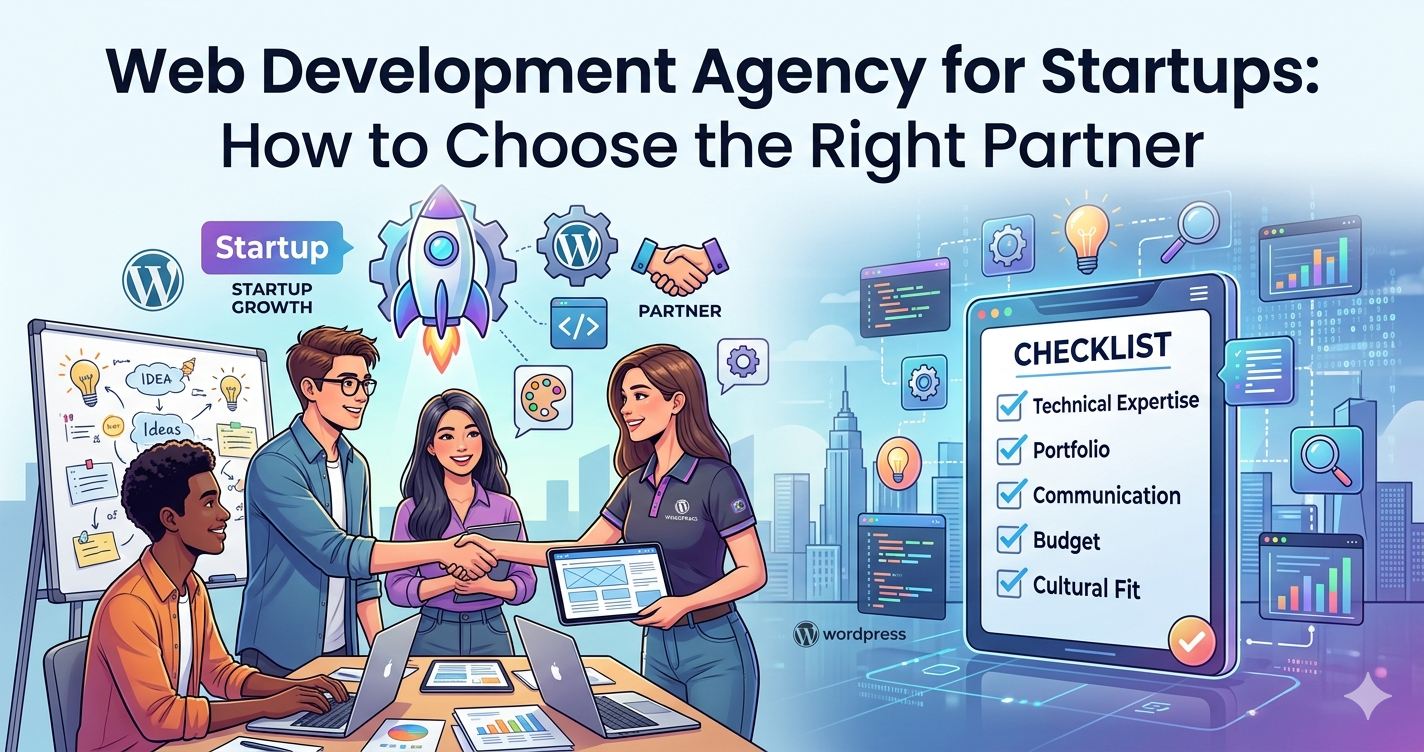
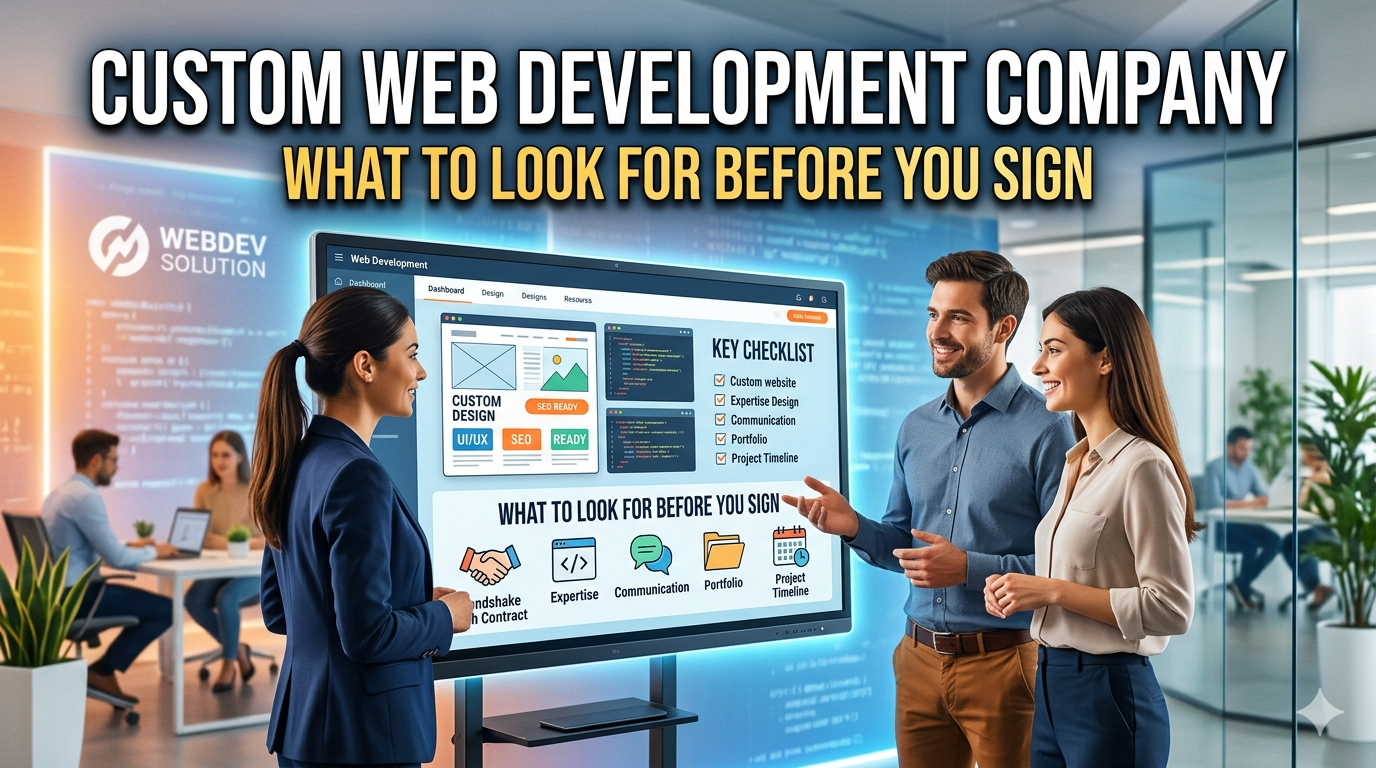
What to Look for in a Website Design Company
Choosing the right design partner is as important as the design itself. A great design from the wrong partner, one that disappears after launch, misunderstands your business, or builds something you cannot maintain, produces worse outcomes than a simpler site built by a reliable team.
Key questions to ask any web design company:
- Can you show me examples of sites you have designed for businesses similar to mine?
- What does the design process look like from kickoff to launch?
- Who will actually be working on my project?
- What happens after launch, do you offer support, training, or maintenance?
- How do you approach SEO in the design process?
- What do you need from me to get started?
The last question matters. Good agencies have a defined onboarding process and know exactly what client input they need. Vague answers here are a warning sign.
For a full checklist, see how to choose a website design company.
The Website Design Process: What to Expect
Understanding how professional website design works helps you evaluate proposals, set expectations, and participate effectively in the process.
Discovery and Strategy
The first phase is understanding your business, who your customers are, what you want the site to accomplish, what makes your offer different, and what existing assets (brand guidelines, photography, copy) you have. This phase produces a site architecture and brief that guides design.
Wireframes and Mockups
Before any visual design happens, wireframes map out the layout and structure of each page, where the headline goes, where the navigation sits, how the sections flow. This is the stage to catch structural problems before they become expensive to fix. Mockups then apply the visual layer: color, typography, imagery.
Development
The approved design is built into a working website, either on a CMS like WordPress or as a custom build. This is where the design becomes functional: forms work, pages load, navigation responds, mobile behavior is tested.
Launch and Optimization
A professional launch includes cross device testing, performance benchmarking, Google Analytics and Search Console setup, and submission to search engines. Post launch optimization, monitoring performance, fixing issues, improving conversion, is where long-term gains are made.
How DevVerx Approaches Small Business Website Design
At DevVerx, we approach website design the same way a growth focused business thinks about any investment: what outcome does this produce, and how do we measure it?
Our UI/UX design services combine visual design with conversion strategy, meaning every design decision is evaluated against its impact on lead generation, user experience, and SEO performance. We design mobile first, optimize for Core Web Vitals from the start, and build sites that our clients can manage without coming back to us for every small update.
Our 4.8/5 client rating reflects a process that keeps clients informed, delivers on timeline, and produces sites that actually grow businesses, not just sites that look good in a pitch.
You should not need an enterprise budget to get a website that works. We have helped small businesses across industries, service companies, e-commerce brands, professional services firms, local businesses, compete online against larger competitors with better design and smarter strategy.
Your Website Design Checklist
Before launching or redesigning, verify your site covers the basics:
- Clear value proposition visible above the fold on mobile
- Site loads in under 3 seconds on a mobile device
- Navigation has five to seven items maximum with clear labels
- Every page has one visible primary call to action
- Contact information appears in the header and footer
- Forms are short, three to five fields maximum for a lead form
- All images are compressed and responsive
- Google Analytics and Search Console are connected
- The site passes Google’s mobile friendly test
- Core Web Vitals are in the “Good” range in PageSpeed Insights
For a complete page by page checklist, see our small business website design checklist.
Summary: Website Design for Small Business in 2026
Effective small business website design in 2026 is not primarily about aesthetics. It is about building a digital asset that earns trust, converts visitors, ranks in search, and works perfectly on every device.
The businesses that win online are not necessarily the ones with the biggest budgets. They are the ones whose websites do the job, fast, clear, mobile first, and built with an understanding of what their specific customers need to see before they pick up the phone or place an order.
Ready to build a website that works as hard as your business? Contact DevVerx for a free strategy conversation. We will assess what you have, identify what is holding it back, and show you exactly what a high performing small business website can do for your growth.
Articles in This Cluster
- Website Design Cost for Small Business: What You Should Expect to Pay
- What Makes a Good Small Business Website
- Mobile-First Website Design for Small Business
- Website Design vs. Web Development: What Is the Difference
- How to Choose a Website Design Company
- Small Business Website Design Checklist
- One-Page vs. Multi-Page Website: Which Is Right for Your Small Business